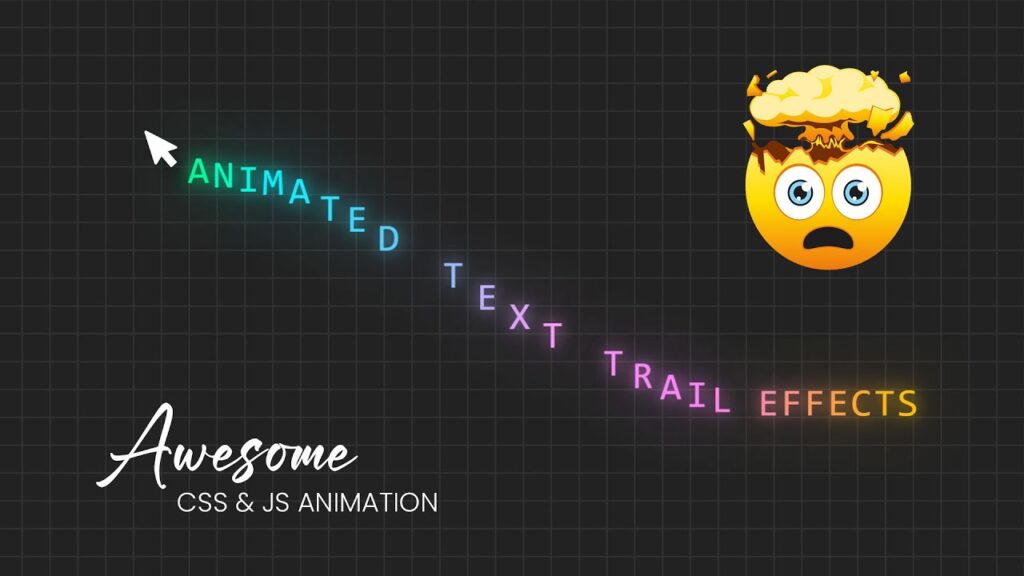

All Source Code : https://www.patreon.com/onlinetutorials Get now more than 1000+ source code just by clicking on this link …
source
<!DOCTYPE html>
<html lang="en">
<head>
    <meta charset="UTF-8">
    <title>Animated Text Trail Effects</title>
    <link rel="stylesheet" href="style.css">
</head>
<body>
	<div class="cursor"></div>
	<script src="https://cdnjs.cloudflare.com/ajax/libs/gsap/3.1.1/gsap.min.js" integrity="sha256-cyEXrJKjO3YNkpCjPxVBdi7pRJ3EF+okm1oN9Qc4rRY=" crossorigin="anonymous"></script>
	<script type="text/javascript">
			document.addEventListener("DOMContentLoaded", () => {
					const cursor = document.querySelector('.cursor');
					const textContent = "animated text trail effects";

					// Create span elements dynamically
					for (let i = 0; i < textContent.length; i++) {
							const span = document.createElement('span');
							span.classList.add('text');
							span.style.setProperty('--i', i + 1);
							span.style.left = i*0.6+'em';
							span.style.filter = `hue-rotate(${i * 10}deg)`;
							span.textContent = textContent[i];
							cursor.appendChild(span);
					}

					// Mousemove event to animate text with GSAP
					document.addEventListener("mousemove", e => {
							gsap.to(".text", {
									x: e.clientX,
									y: e.clientY,
									stagger: 0.05
							});
					});
			});
	</script>
</body>
</html>
*
{
    margin: 0;
    padding: 0;
    font-family: consolas;
}
body
{
    background: #222;
    overflow: hidden;
    background-image: linear-gradient(to right,#333 1px, transparent 1px), linear-gradient(to bottom, #333 1px, transparent 1px);
	background-size: 4vh 4vh;
    display: flex;
    justify-content: center;
    align-items: center;
}
.cursor
{
    position: absolute;
    left: 20px;
    pointer-events: none;
    color: #fff;
}
.text
{
    position: absolute;
    font-size: 2em;
    color: #00ff9a;
    text-shadow: 0 0 15px #00ff9a,
    0 0 50px #00ff9a;
    text-transform: uppercase;
    transform: translate(-50%, -50%);
}
[download_button link=”https://drive.google.com/uc?export=download&id=1nbko7cTTs9S9f6F4LBMaARsKGy9wbgGH”]