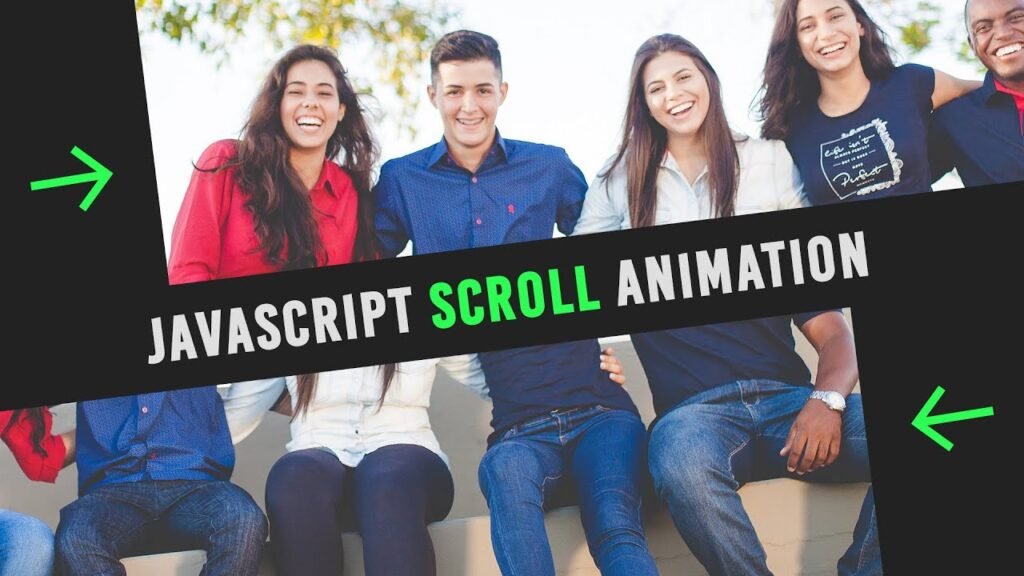

Master Frontend to Backend https://bit.ly/frontend-to-backend-ebook —————— Revolutionize projects with our advanced …
source
<!doctype html>
<html>
	<head>
		<meta charset="utf-8">
		<title>Split Banner On Scroll</title>
		<link rel="stylesheet" href="style.css">
	</head>
	<body>
		<section>
			<div class="slide" id="slide1"></div>
			<div class="slide" id="slide2"></div>
		</section>
		<h2>Javascript Scroll Animation</h2>
		<script>
			let slide1 = document.getElementById('slide1');
			let slide2 = document.getElementById('slide2');
			window.addEventListener("scroll",function(){
				slide1.style.left = window.pageYOffset+'px';
				slide2.style.left = - window.pageYOffset+'px';
			})
		</script>
	</body>
</html>
*
{
  margin: 0;
  padding: 0;
  box-sizing: border-box;
  font-family: consolas;
}
body
{
  display: flex;
  justify-content: center;
  align-items: center;
  min-height: 300vh;
  background: #222;
}
section
{
  position: fixed;
  top: 0;
  left: 0;
  width: 100%;
  height: 100vh;
  z-index: 1000;
}
section .slide
{
  position: absolute;
  top: 0;
  left: 0;
  width: 100%;
  height: 100%;
  background: url(bg.jpg);
  background-size: cover;
}
section .slide#slide1
{
  clip-path: polygon(0 0, 100% 0, 100% 50%, 0 50%);
}
section .slide#slide2
{
  clip-path: polygon(0 50%, 100% 50%, 100% 100%, 0 100%);
}
h2
{
  position: absolute;
  color: #fff;
  font-size: 2em;
}
[download_button link=”https://drive.google.com/uc?export=download&id=1Hu8lB8zQJi5s5UAtfu1eYHcGnKGsR4DI”]